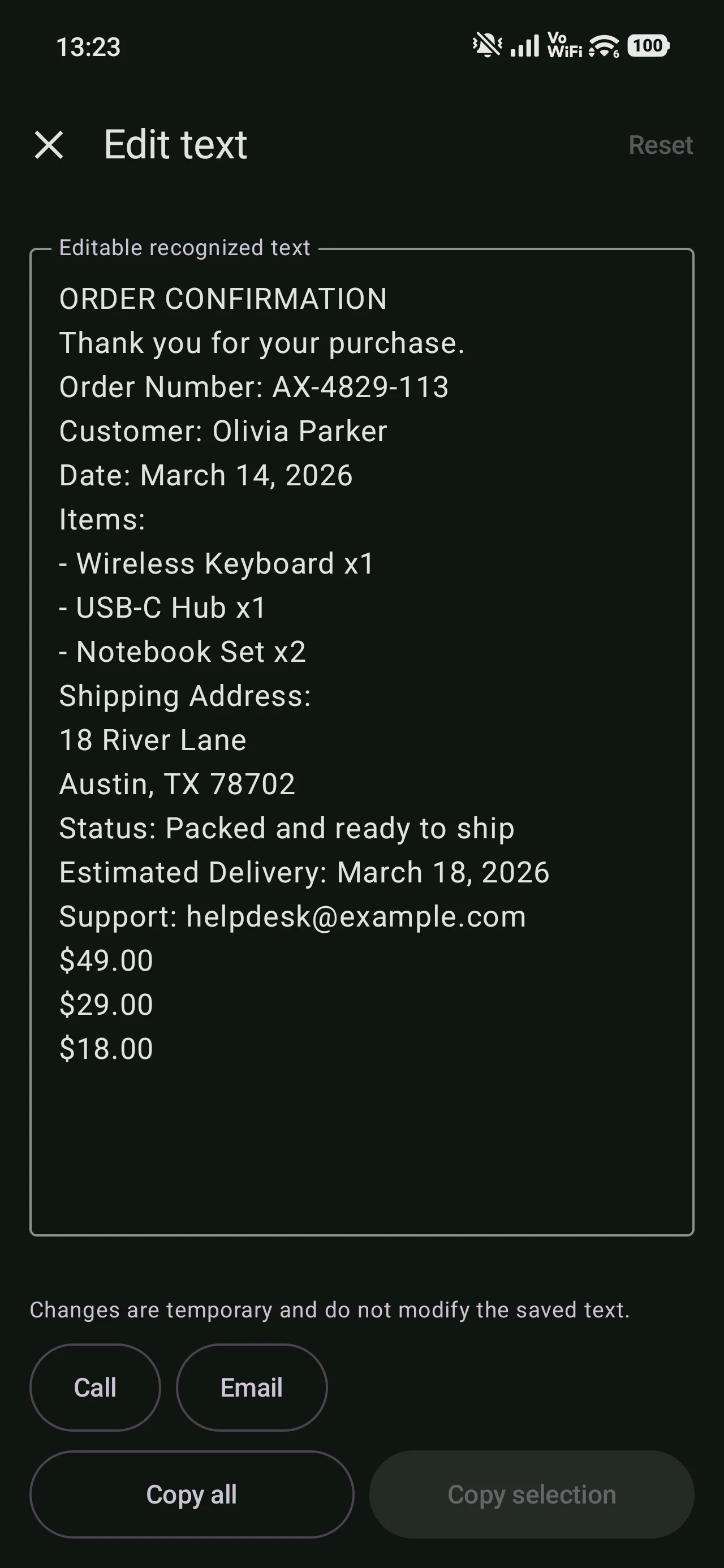
Review the text recognized in an image.
A dedicated view presents the extracted text so it can be read, copied, and edited when needed.
Product features
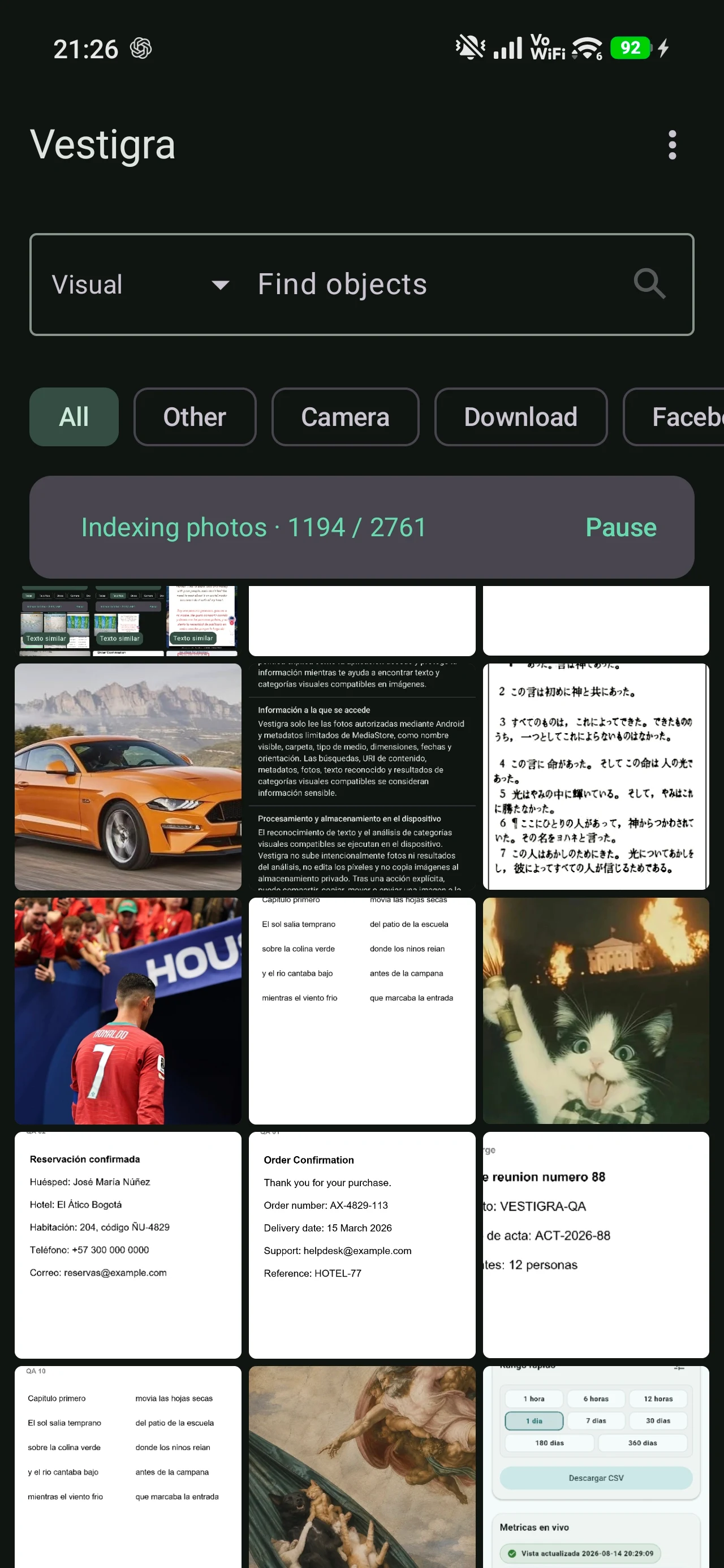
Vestigra prepares useful information from your photo library, then lets you search recognized text and selected supported visual elements.
On-device processing
Vestigra processes photographs locally to prepare information used during search. Progress remains visible, and large libraries can take several minutes.
Example query
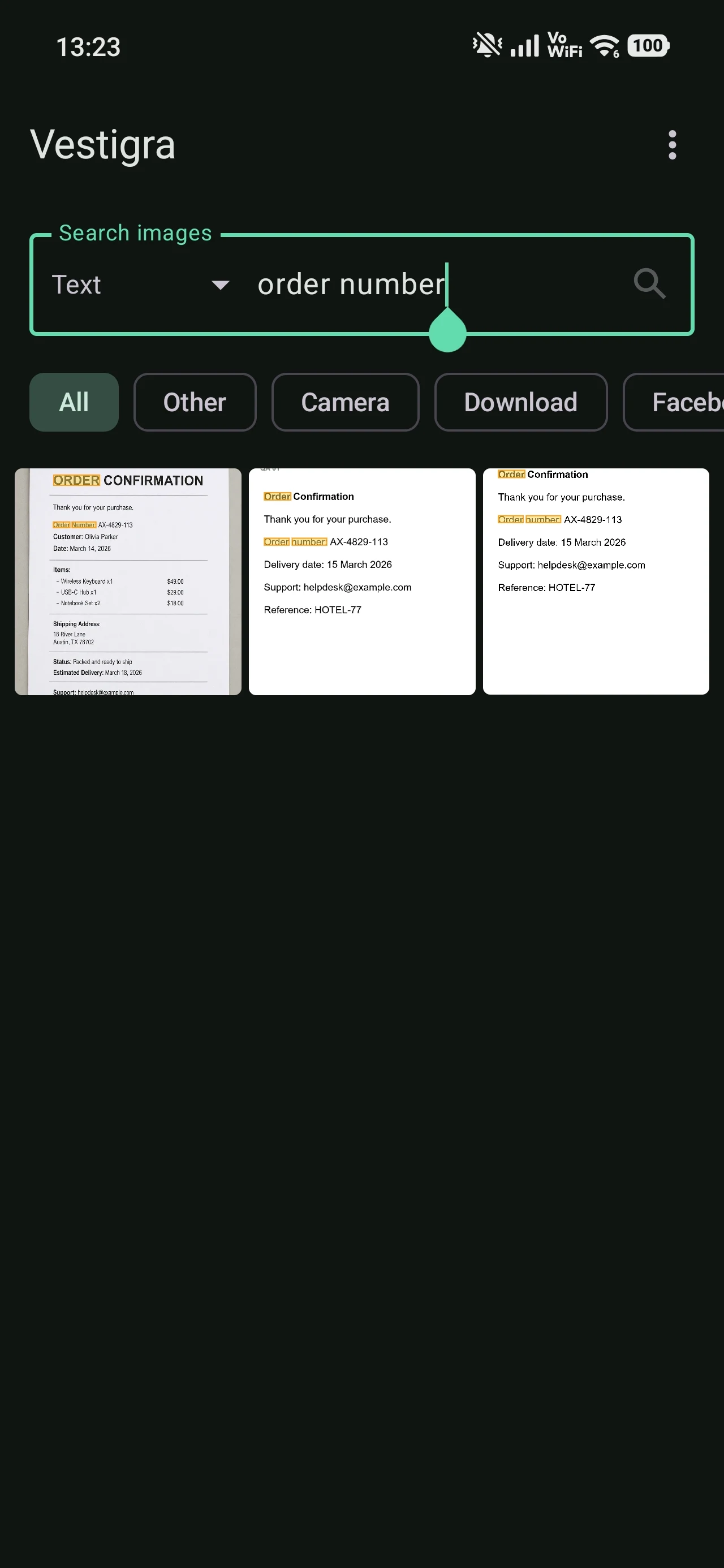
Recognized text becomes searchable. A query such as “order number” can lead from a set of matches to the relevant photo and highlight the matching text when position information is available.
Example queryorder number
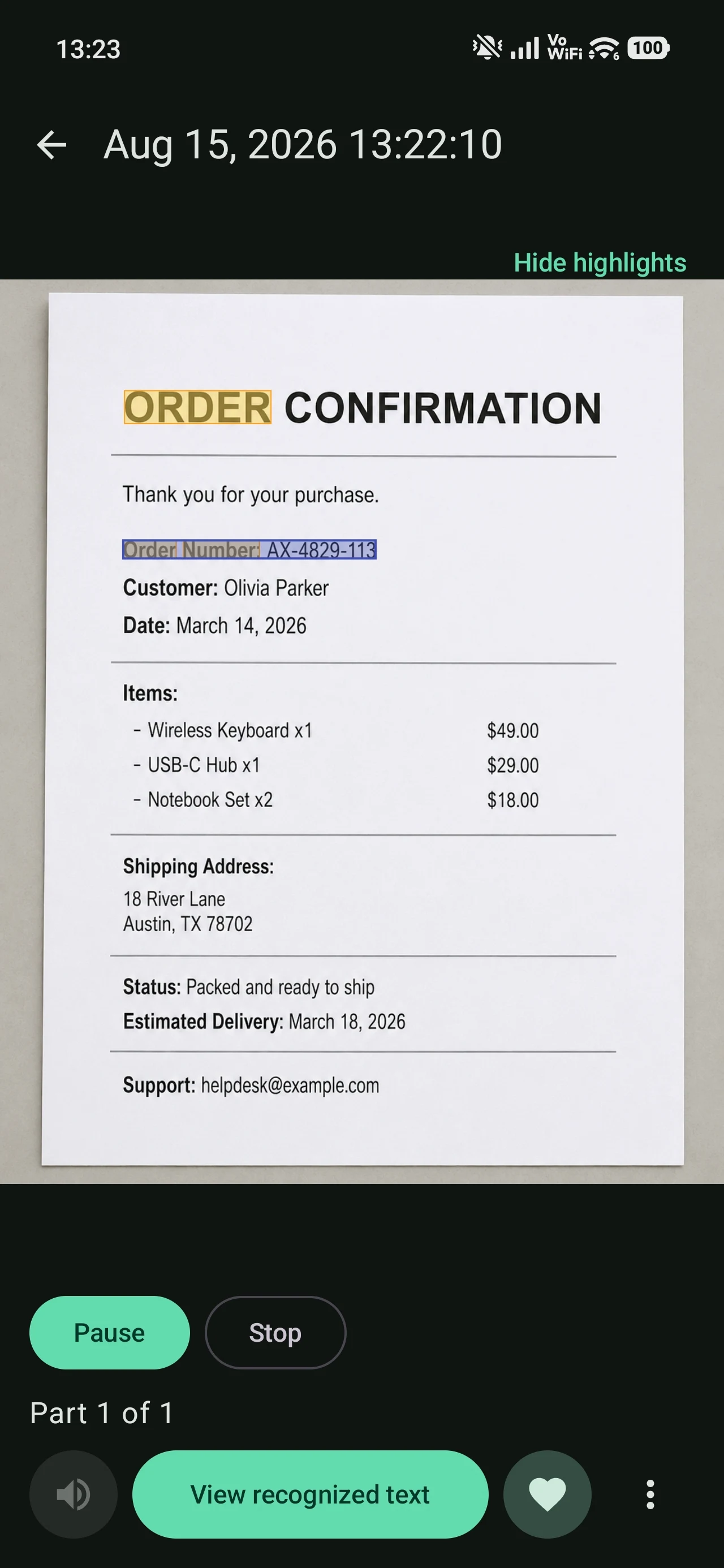
A dedicated view presents the extracted text so it can be read, copied, and edited when needed.
Vestigra can read recognized text aloud through the text-to-speech engine installed on Android, using an offline voice when one is available and configured.
Supported categories
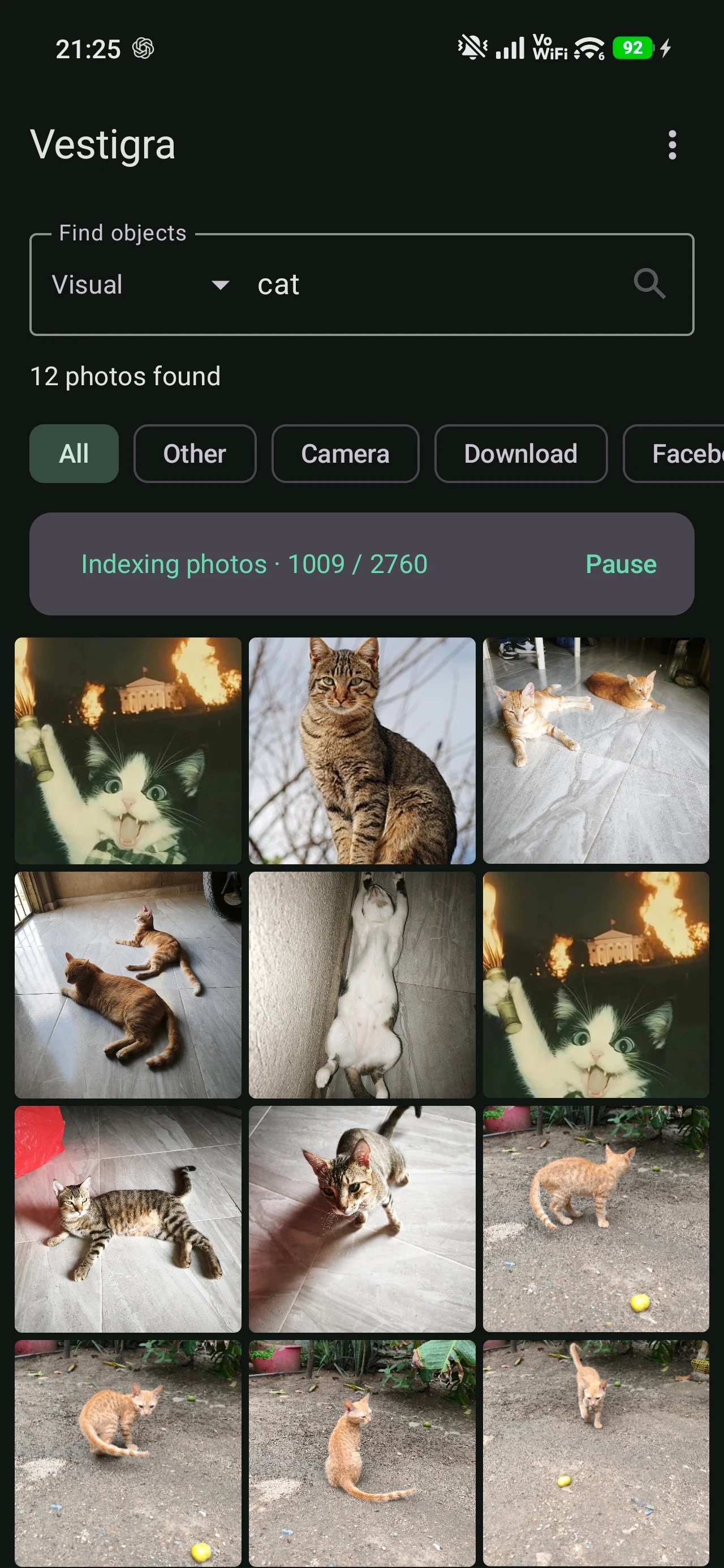
Vestigra recognizes a defined set of visual categories locally and uses those results as another way to find photographs.
“Person” means that a person is present in the image. It does not identify who the person is and is not facial recognition.
Core features offline
Gallery browsing, OCR, supported visual classification, search, cropping, and voice reading can operate without Internet access.
You do not need an account to use the gallery, OCR, or photo search. Accounts support separate online services and operations.
How the boundary works
The privacy page explains photo processing, local storage, permissions, accounts, and third-party services in plain language.
Explore privacy details